BLOG

What’s New on Pixieset | September 2025 updates

While many photographers were conquering the busy season one photoshoot at a time, our team was hard at work behind the scenes. We’ve put together a fresh batch of updates to help improve your workflow before, during, and after every session. Here’s a roundup of features added to your Pixieset dashboard in the last couple of months:
- In-person payments with Tap to Pay;
- Gift cards for booking sessions;
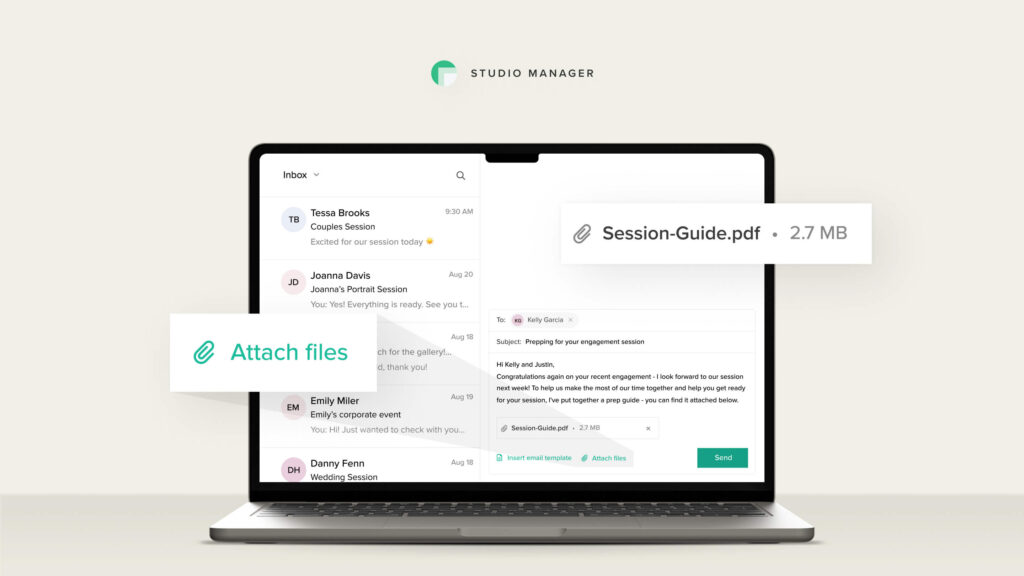
- Email attachments for Inbox;
- 9 new one-page website templates;
- Descriptions for photo sets in galleries;
- And more Client Gallery updates.
Check out this video to discover what’s new, and keep reading to learn more about each feature.
Studio Manager updates
Tap to Pay
Forget about chasing clients for payments, or keeping track of cash and checks. With Tap to Pay, you can collect in-person payments right on your phone. Just open an invoice in the Studio Manager mobile app and have the client tap their card, phone, or smartwatch to pay instantly.
To use Tap to Pay, you’ll need both Pixieset Payments and the latest version of the Studio Manager mobile app. Pixieset Payments is available in the US and Canada.
Learn more about Tap to Pay in Pixieset.
Gift cards for booking sessions
Treat a returning client or someone they’ve referred! Create a gift card with any amount and expiration date, share it via email, and let your client or their friend enjoy a sweet discount. The gift card can be applied towards an invoice or at checkout on your booking site.
Learn more about creating and sharing gift cards.

Inbox attachments
Need to share a guide, document, or media file when emailing a client through Studio Manager? You can now attach over 30 file types — including PDFs, DOCX, JPGs, GIFs, MP4s, ZIPs, and more — directly to messages sent through Inbox in Studio Manager.
Discover how to add attachments to emails and all the formats supported.
Pixieset Website updates
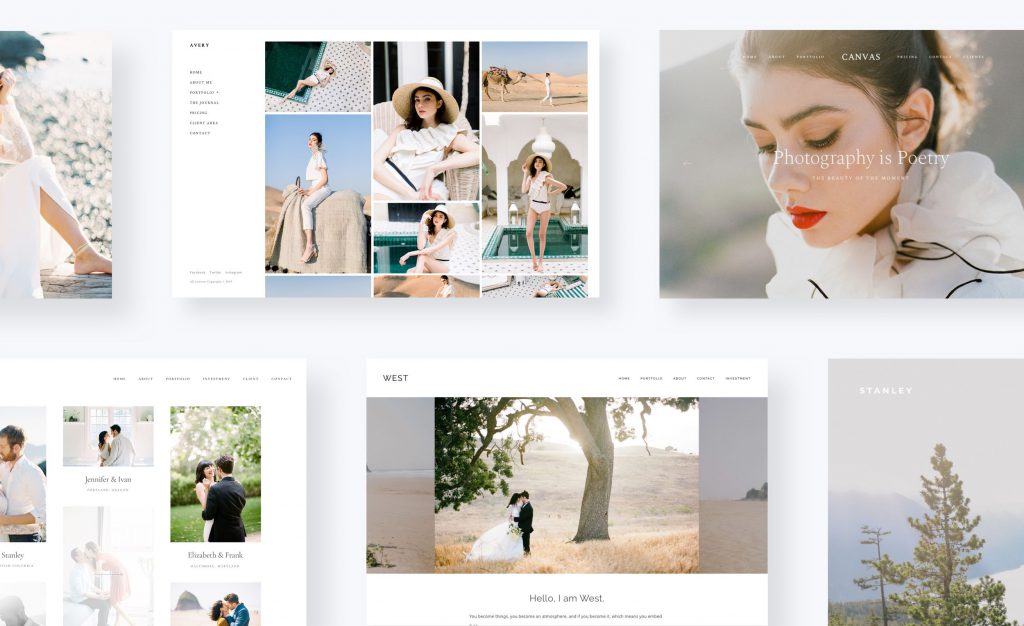
9 one-page site templates
If simplicity and minimalism are among your core values, the new one-page templates are right up your alley. Explore 9 sleek website designs that showcase your photos, story, pricing, and contact info — on one beautiful, scroll-friendly, and mobile-ready page.
Explore the new templates and learn more about them.
Client Gallery updates
Photo set descriptions
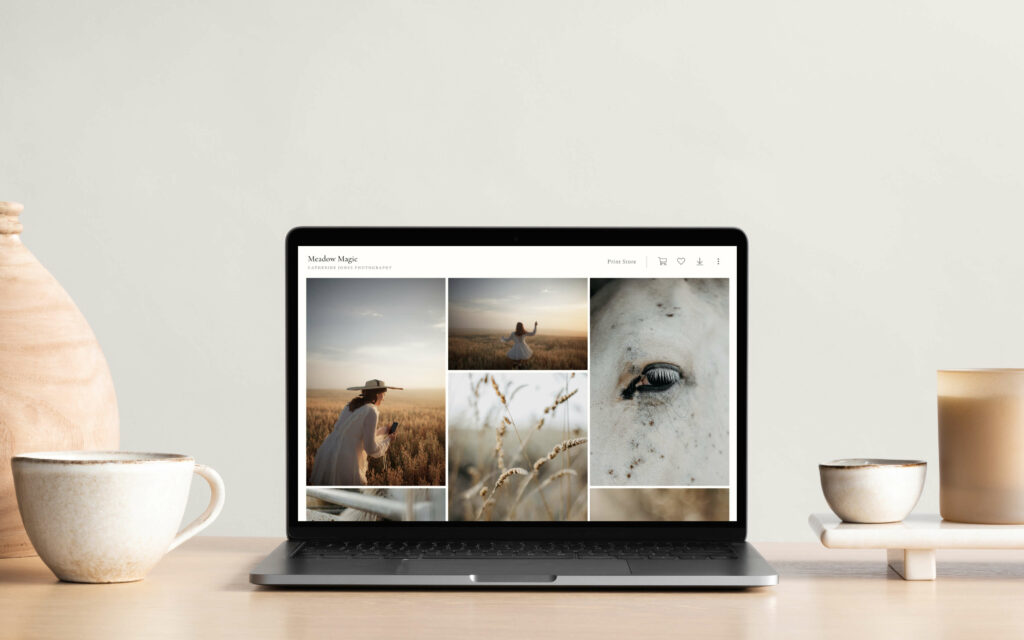
Add a touch of storytelling to your client galleries with photo set descriptions. Include a quote from your clients’ vows, lyrics from a favorite song, or a few kind words about the session and the moments you captured with them.
To add a set descriptions, go to a gallery, click on “…” next to a photo set, then Edit set, and add your description.

More Client Gallery updates
It’s the little things that often make the biggest difference. We’re excited to introduce a series of small but impactful updates designed to help you work faster in Client Gallery and deliver an even better experience to each client. Now you can:
- Select a thumbnail directly from an uploaded video;
- Display collections as a list, or as a grid in your dashboard;
- Hide the sidebar menu to bring things in focus;
- Manage photos quicker with keyboard shortcuts;
- Get notified about collections you’ve set to auto-expire
- Offer more ways for clients to share their gallery and photos.
Learn more about the new features in Client Gallery.

Head over to your dashboard to explore all the features and let us know your favorite. New to Pixieset? Sign up with a free account and start growing your photography business.
Sign up for a free account to explore all the features inside Pixieset.

 Store
Store 
 Website
 Studio Manager