BLOG

8 tips to help clients choose favorite photos faster with online proofing

The most exciting moment for clients after a photo session is receiving their images. And while delivering a digital online gallery makes photo proofing feel simple and seamless, choosing favorite images can still feel overwhelming — especially when clients are presented with a large gallery.
Helping clients choose their favorites faster isn’t about rushing decisions, it’s about creating clarity. A more intentional, guided process leads to a better client experience and a more efficient workflow for photographers. In this article, you’ll find photographer-friendly tips to improve online photo proofing at every stage, making the entire process easier for everyone involved.

1. Set clear expectations before gallery delivery
Setting clear expectations before gallery delivery can make a big difference in how smoothly the photo selection process unfolds. When clients know what to expect ahead of time, they’re less likely to feel overwhelmed and more confident about making decisions once they open their gallery.
Take a moment to explain how many images they’ll receive, how many photos are included in their package, how the selection process works, and what choosing their favorite photos will look like. Sharing this guidance during booking, in pre-session emails, or as part of your onboarding process sets clients up for a more focused, enjoyable experience from the start.
2. Cull and curate the images you share
Culling your images before gallery delivery helps simplify photo proofing for clients. Removing duplicates and weaker images — such as out-of-focus shots or closed eyes — keeps the gallery focused and makes decisions easier. By prioritizing quality over quantity, you create a more manageable experience while still presenting clients with options to choose from.

3. Use an online client gallery
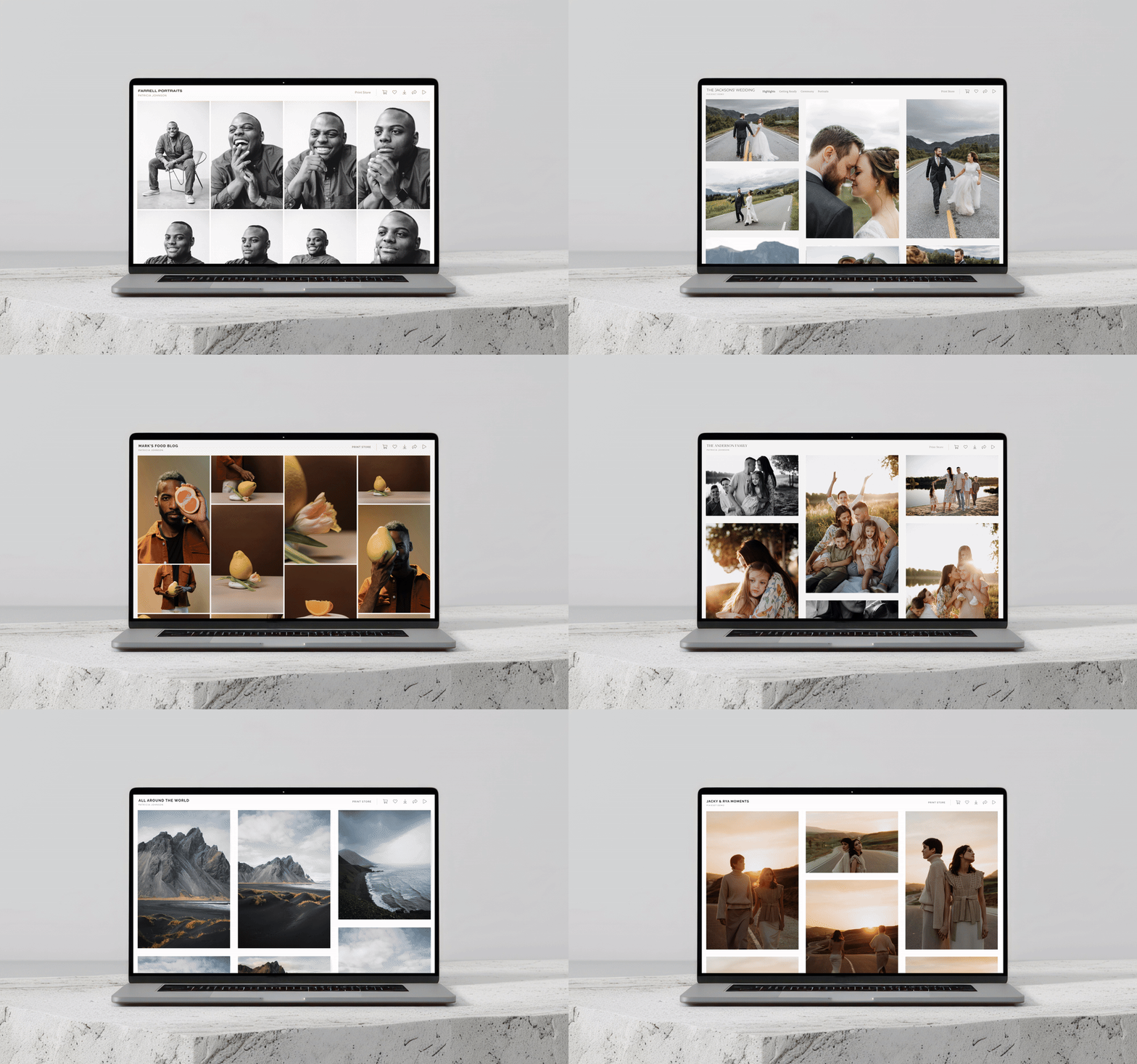
Instead of sending files back and forth or relying on clunky downloads, using an online client gallery makes photo delivery and proofing easier for everyone involved. With simple access from any device, a clean visual layout, and an intuitive interface, clients can focus on choosing their favorite photos without distractions or confusion. Client Gallery by Pixieset is designed with both photographers and clients in mind. It offers beautiful gallery design, with options to personalize fonts, colors, covers and the overall aesthetic. It also includes integrated features like favoriting, watermarks, a print store, and so much more — making gallery delivery an experience that feels professional from start to finish. Read why Client Gallery is the best photo gallery for photographers.

4. Organize photos in an intentional way
Grouping images by moment, outfit, location, or story gives the gallery a clear flow and helps clients focus on one set of photos at a time. This added structure reduces overwhelm and makes the photo selection process feel more intentional. With Client Gallery you can easily showcase photos in separate collection sets, shaping the viewing experience and weaving storytelling throughout the gallery. Learn how to create collection sets in Pixieset galleries.
5. Make it easy for clients to choose favorites
Asking clients to manually write down the file names of their favorite images is tedious and takes a lot of time. To avoid mistakes and oversights, offer clients an easy way to highlight their favorite images. With Pixieset, they can create Favorites lists right inside their gallery. By simply liking photos, clients can add them to one or more Favorites lists as they move through the gallery. They can also leave notes on their favorites to share feedback or editing requests. This collaborative client photo proofing workflow keeps everyone aligned, reduces back-and-forth emails, and gives you clear direction on which images matter the most. Learn how photo proofing works with Favorites feature in Client Gallery.
6. Set limits and gentle constraints
Decision fatigue is real, and too many choices can make it harder for clients to commit to their favorite photos. Setting gentle limits — such as asking clients to select a specific number of images, or complete their selections by a certain date — helps narrow their focus and keeps the process moving. These boundaries make online photo proofing feel more manageable and often lead to faster approvals. Learn how to set limits in Pixieset to the number of photos clients can add to a Favorites list.
Photo limits can also open the door to additional sales. With Pixieset’s integrated online store, clients can purchase extra images beyond their included selections, turning a structured proofing process into a natural opportunity to upsell without added friction. Learn how to sell photos with Pixieset.
7. Give clients clear instructions
Clear instructions remove guesswork and help clients feel confident as they move through the photo selection process. With Pixieset you can write brief instructions at the top of the gallery using the description feature for each set, or include instructions in your delivery emails. You can also turn on Gallery Assist, which displays built-in guiding cards directly inside the gallery to show clients exactly how to favorite images. These small cues go a long way in making online photo proofing feel clear, intuitive, and stress-free.
8. Send a friendly follow up
Following up with clients can be a helpful nudge when the photo selection process stalls. If clients haven’t completed their photo proofing, send a short, friendly reminder to check in and see if they need anything to move forward. Keeping the tone supportive reassures clients that you’re there to help, not rush them. Consistent, thoughtful communication like this keeps the photo proofing workflow on track and helps the entire process move along more smoothly. Discover more tips on how to elevate your client experience.

A smoother photo proofing process benefits everyone involved. When clients feel guided and confident choosing their favorite photos, they’re happier with the experience, decisions come more easily and workflows move forward with less friction. Taking an intentional approach to online photo proofing, from how galleries are delivered to how clients are supported throughout the process — can make a meaningful difference in both efficiency and the overall client experience.
Pixieset is built to help photographers share, deliver, proof and sell photos in a professional, thoughtful and client-friendly way. New to online photo proofing? Explore our guide on how to get started with photo proofing on Pixieset.
 Client Gallery
 Store
Store 


 Studio Manager